
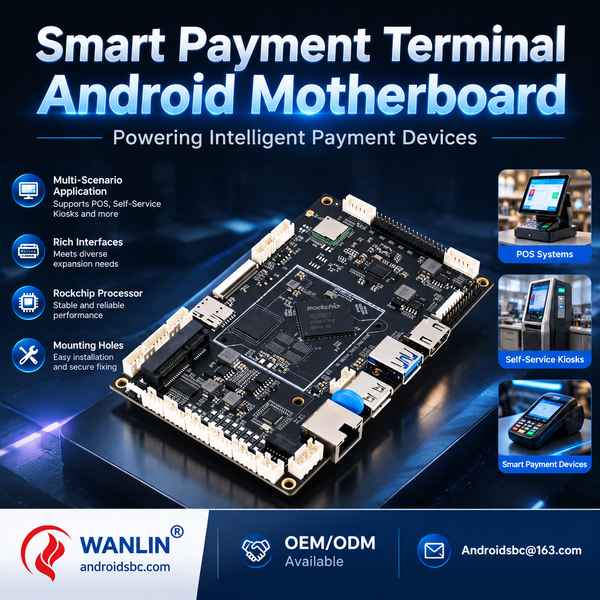
PROJECT REFERENCEA133 Android
A133 Android
Board Reference
Identify the hardware revision and firmware build. Record peripheral and application questions before selection.
Review this reference ↗Android boards / Video conference integration
Choose the board with the whole terminal in mind. Bring camera, audio, display, network and firmware requirements into one practical evaluation plan.
Define → Evaluate → Record → Review
Conceptual planning map. Confirm the exact interfaces and behavior for the board and firmware being evaluated.
Find your starting point
Move from a product name to an identified configuration, then to the evidence needed for a project decision.
Work through camera, audio, display, network and software requirements before choosing a platform.
↗02 / EVALUATEKeep board references together with the questions and documents still needed for your configuration.
↗03 / VERIFYDefine test conditions, expected behavior, recorded results and responsibilities for unresolved issues.
↗Board reference desk
These references are starting points for evaluation. They are not confirmed video-conferencing configurations; check the exact interfaces, BSP and peripheral support.
Identify the hardware revision and firmware build. Record peripheral and application questions before selection.
Review this reference ↗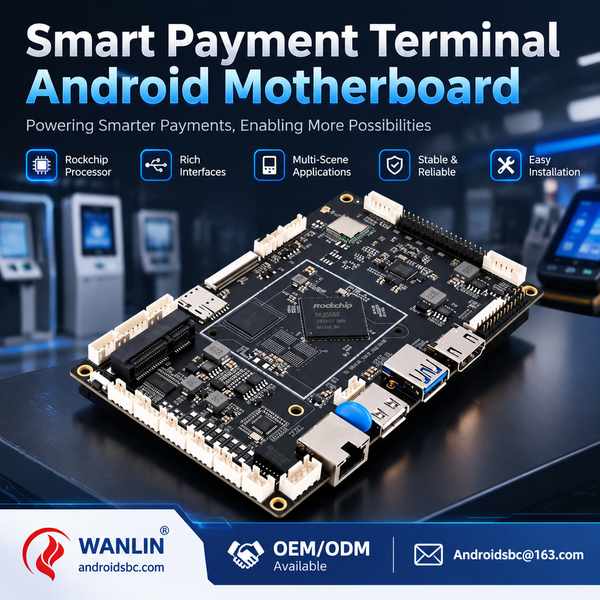
Identify the hardware revision and firmware build. Record peripheral and application questions before selection.
Review this reference ↗From requirements to acceptance
Keep each result tied to the hardware, software, peripherals and test conditions that produced it.
Application, operating environment, interfaces, deployment market and project schedule.
Board revision, firmware build, application version and exact peripheral models.
Agreed criteria, test conditions, observed results and supporting logs or documents.
Exceptions, responsible parties, retest conditions and written commercial confirmation.
Engineering reading room
Use platform guidance and project checklists to frame the next technical question.
Frame the application, interfaces, software and sample validation plan.
Official camera, USB audio and USB host documentation, kept separate from board-level claims.
Clarify hardware, software, testing, support and change-control responsibilities.
Before you choose
No. Identify the board implementation, firmware, application and peripherals, then request evidence for the configuration you intend to use.
Record the application, required interfaces, camera/audio/display needs, software, sample plan and required documents. Use the integration lab to keep open questions and candidate references together.
A result is easier to review when it identifies the tested configuration, conditions, procedure, expected behavior, observed behavior and evidence. Leave untested items open and agree who will resolve them.